01Every gadget phoning home
Pi-hole
Blocks trackers for the whole household — including the TV.
Do Run it on any spare computer.
Field guide 03 — the third address
The equipment that translates a physical life into a database. Most leakage happens here.
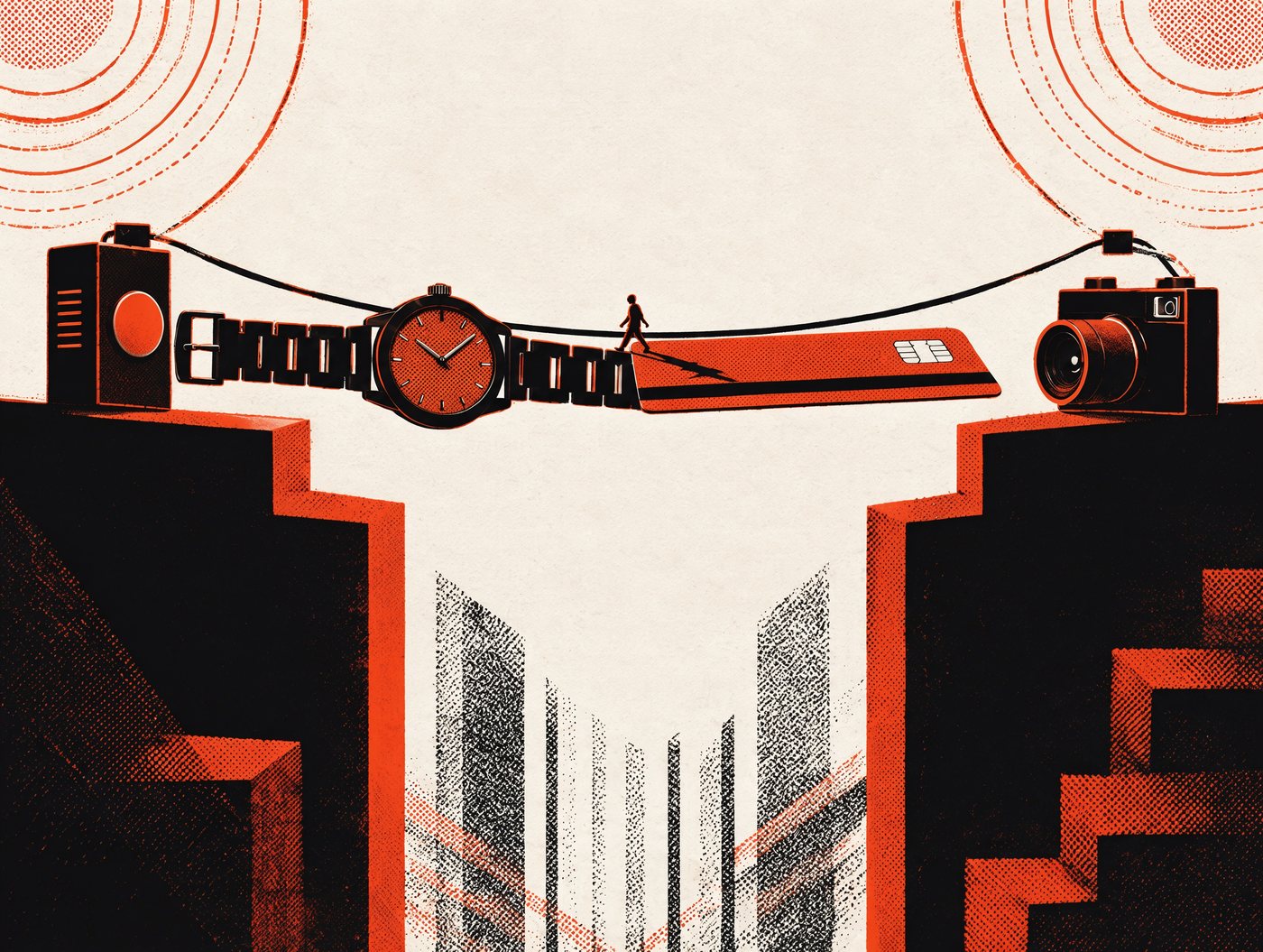
Plate 01
Nothing here is spy equipment. Each one holds a small, faithful record of how you live.
1Video doorbell
Records the pavement, your neighbours and everyone who visits you. Often shared with a brand’s app cloud and, in some places, with police.
2Smart TV
“Automatic content recognition” can log what you watch, including from inputs and discs. Some models include always-listening voice features.
3Voice assistant
Listens for a wake word; keeps short recordings; parts of those recordings have historically been reviewed by outside contractors.
4Smart thermostat
Occupancy and routine — when you are home, when you sleep, when you are away. Shared with energy programmes where you opt in.
5Robot vacuum
Builds a floor plan of your home. Some models have carried cameras, and images from them have leaked in the past.
6Baby monitor
Video and audio of a bedroom, usually to a cloud account. Weak passwords here have produced some of the worst documented incidents.
7Smart meter
Half-hourly consumption. From the shape of the curve, an outsider can infer sleep, showers, cooking and whether the flat is empty.
8Car, parked below
Location history, trip speeds, phone contacts and, in newer models, camera footage and driver attention data.
The question is never “is this device evil”. It is: where does the recording go, how long does it stay, and who else can ask for it — three questions that are usually answered nowhere in the box.
Plate 02
A TV is a screen with a network connection and a business model. In 2026 that stopped being a metaphor.
Why this is in the news
That line, from an LG advertising pitch, was reported in September 2026 next to an investigation by Gamers Nexus and independent security researchers. They found the televisions collecting voice, connected-device, location and Wi-Fi data — and still reporting with the screen off. LG says the claims “are not true”. A Portuguese consumer association has taken the case to court, and in 2025 the attorney general of Texas sued five television manufacturers over the same tracking.
Gamers Nexus investigation, September 2026 · Texas Attorney General filing, December 2025 · Northeastern University “Watching the Watchers” study, 2026 · LG response, September 2026
Hundreds of times an hour — including HDMI inputs, games and DVDs, not only the TV’s own apps.
Not a video — a small numerical signature of what is on screen at that instant.
The signature is compared with a library of known programmes, films and adverts.
Title, timestamp and a device ID go to the manufacturer and its partners. Nothing asks you first.
Find the switch, then find it again
It is called Live Plus on LG, Viewing Information Services on Samsung, Smart TV experience on Vizio, Personalised ads on Roku. Turn it off in settings, then look for a second consent inside each streaming app — the two are separate.
Stop connecting the TV to the internet
Use a streaming stick in an HDMI port and never pair the set itself with Wi-Fi. The September 2026 report alleged reporting continued with the screen off; an unplugged network cable ends that argument.
Mute the microphone at the hardware
If your remote has a mic, the voice feature is one press away. Switch the physical mute if there is one, disable wake-word listening, and delete stored voice recordings.
Block it at the router, and watch what it tries
A Pi-hole or the router’s own “pause this device” feature cuts the reporting without breaking the picture. Blocking and re-checking is the only way to know what it says about you.
The device is almost never the product. The account it signs you into is. Count the accounts your home needs, and remove the ones it does not.
Plate 03
Biometrics are the only identifiers that cannot be reissued. The question is where the copy lives.
Fingerprint
Replace the finger
Stored as a template, usually on the device itself — the safest place. The risk is a copy held by a third party, not the sensor under your thumb.
Face
No
Face data can be captured from a distance without your knowledge, and faces are already scraped from public photos. Cancelling a face template is a support ticket, not a reset.
Voice
No
Any recording of you is training and matching material. Voice is increasingly used by banks for phone authentication — and increasingly cloned by scammers.
Palm or vein
Partly
Harder to capture casually than a face, and usually template-stored. Risk concentrates in the reader, not the hand.
Behaviour — gait, typing
No
Invisible, continuous and impossible to withdraw: the way you walk past a camera identifies you without cooperation.
Practical rule: use biometrics to unlock your own device, not to prove who you are to someone else. A local template on a phone you control is a convenience. A face template in a company database is an identifier you cannot take back.
Plate 04
HTTPS hides your messages. The network still sees where you go — and a fake one can do worse.
Your own phone hotspot
The sites you visit, and only that.
low
Hotel or café Wi-Fi, HTTPS everywhere
Which sites you visited and when — metadata, not content.
moderate
Open network with a captive login page
The same, plus whatever you typed into the portal — often an email and a date of birth.
elevated
Open network and an old HTTP site
Everything on that page, in clear text: logins, forms, session cookies.
high
A fake hotspot with a familiar name
Anything it wants: a convincing login page, redirected downloads, or nothing at all while it harvests quietly.
critical
So: use the hotspot, check for the padlock, avoid logging into banking on an open network, and forget a network once you are done. A VPN hides your destinations from the café — it does not make a fake login page safe.
Plate 05
A QR code is a link in a costume. You cannot see where it goes until you scan it.
Before you scan
Use the camera’s preview instead of a dedicated scanner app: most modern phones show the full address before you agree. If the preview is unreadable, shortened, or does not match the organisation, do not open it.
Plate 06
Cash is close to anonymous. One scan removes that — and links the shop to everything else that carries your name.
Before
A purchase with no name attached. The shop knows what left the shelf, not who took it.
The tap
One scan attaches an account — often a name, address and email — to the basket, the till and the time.
The join
The same transaction is matched to your bank card. Two identifiers, one event, permanently linked.
After
Item-level history, purchase rhythm, household size, likely health and income — saleable, and often shared with partners.
The identifiers that do the joining
The cheapest defence is the one nobody uses: give a different detail each time. A separate email for shops, an old postcode, no phone number. And when the shop asks for a phone number at the till — “for the receipt?” — you are allowed to say no.
Plate 07
One is the most data-hungry object you own. The other knows your heart rate and where you slept.
Consumer research has repeatedly rated cars the worst category for data handling among connected products.
The device is usually fine. The connected account, and who it is shared with, is the part to check.
Defence
Six open-source tools for the devices that translate your physical life into records.
01Every gadget phoning home
Blocks trackers for the whole household — including the TV.
Do Run it on any spare computer.
02The router you were given
Firmware for the router, without the vendor’s cloud.
Do Install on a supported model only.
03Cloud-dependent appliances
Local-first control: the automation stays in the house.
Do Start with lights, not locks.
04A vacuum with a map of home
Keeps the floor plan on the device instead of a server.
Do Check the model before you buy.
05The phone’s own telemetry
Android without Google’s services, on supported Pixel phones.
Do Rehearse before switching daily.
06Open Wi-Fi
Your own tunnel, so a café sees nothing but noise.
Do Set it up before you travel.
Buy for the device, not the app: anything that needs an account to open your own door is a subscription to your home.
The rest of this guide is on paper. 19 pages: every plate here, the 30-day plan and the letters.
$9.99 · PDF
Get it by email