01Trackers and profiling
uBlock Origin
Blocks the trackers on almost every page you visit.
Do Install it and forget it.
Field guide 01 — the first address
Everything a browser touches is measured. Here is what leaves your device — and what stops it.
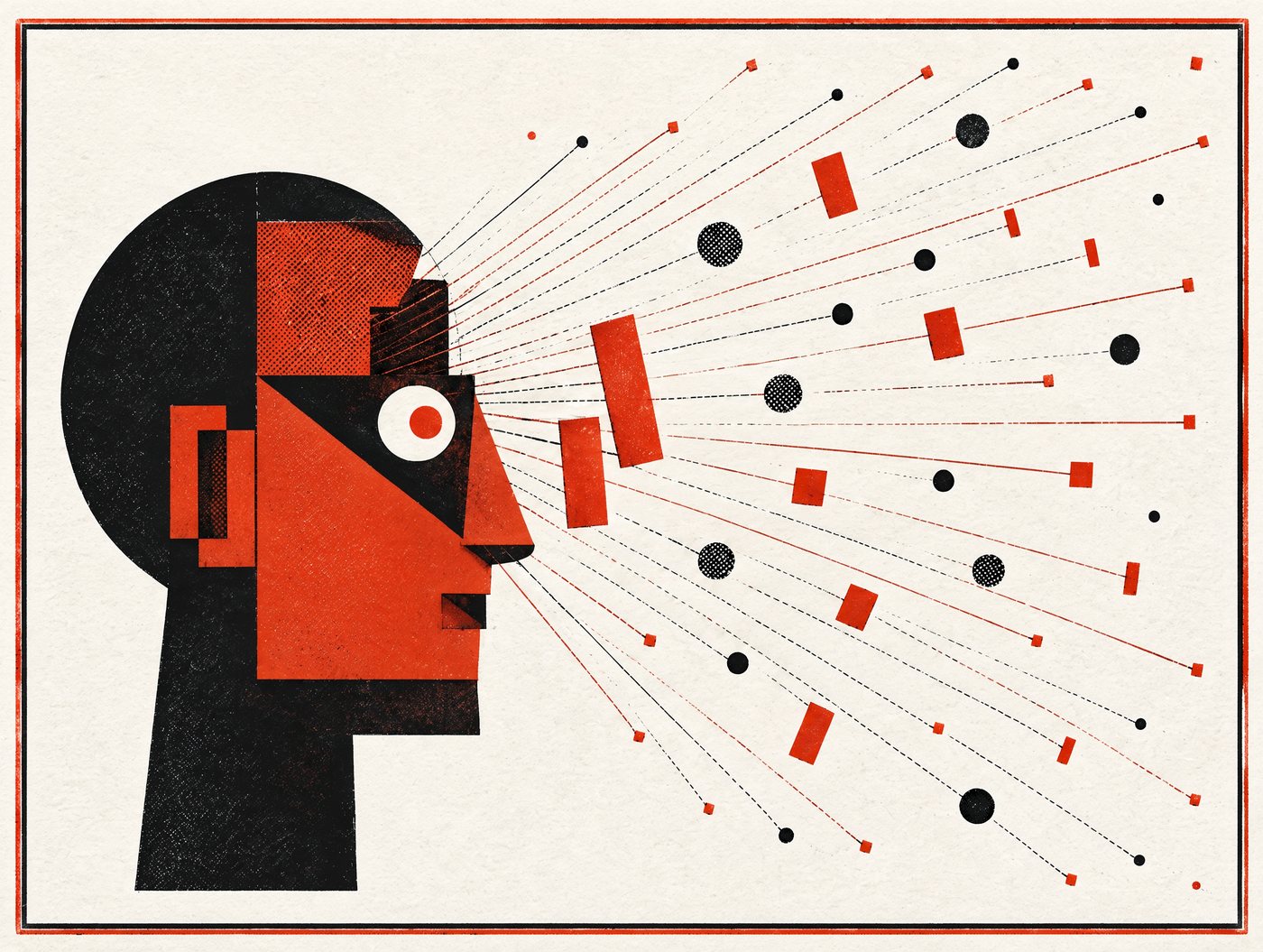
Plate 01
One tap. Twelve facts about you, before the page is even readable.
Network
Device
Behaviour
Identity
Plate 02
A cookie is a name tag. A fingerprint is a description of your face.
The useful mental model: cookies are a label, fingerprints are a description. Labels come off. Descriptions do not.
Plate 03
Prompts describe the feature. They never describe the access.
Camera
Photographs of you, your room, your desk and any document left in frame.
“to scan a code”
Microphone
Sound in the room, including conversations you did not intend to record.
“voice search”
Contacts
Names, numbers and emails of everyone you know — and sometimes their birthdays.
“find your friends”
Precise location
Where you sleep, where you work, and the route in between — day after day.
“show nearby shops”
Photo library
Your whole library, including the places and faces embedded in it.
“pick a picture”
Notifications
The right to interrupt you — and often permission for background activity.
“important updates”
Default settings are chosen to make the app useful today, not to keep you private next year. Say no first. Saying yes later takes four seconds; taking access back is a scavenger hunt.
Plate 04
A breach rarely steals your money directly. It steals a password — and then tries that password on the hundred other doors you own.
Length beats complexity. A four-word phrase you can remember is stronger and more practical than “P@ssw0rd!”, which is in every cracking list ever published.
hedge-daisy-tractor-41Your email address is the master key to every other account — password resets all arrive there. If you only do one thing on this page, make it this one: one unique, long passphrase for email, and two-step verification switched on.
Two-step verification, from weakest to strongest
Plate 05
Modern phishing uses your real name and your real bank. The one thing it cannot fake is the address it came from.
Dear Customer,3
We detected unusual activity on your account on Tuesday at 21:14. To avoid permanent suspension you must confirm your identity now.4
Verify account → bank-alert-secure.co/verify5
If you prefer, reply with your phone number and our agent will call you.6
Kind regards,
Customer Security Department
attachment: Statement_March.pdf.exe7
Illustrative message. The red dots are the tells.
bank-alert-secure.co..pdf.exe is a program, not a document.Read a URL from the right of the protocol: the domain is the part before the first single slash.
https://apple.id-verify.support/login ← the real destination is id-verify.support, not Apple
https://paypa1.com/signin ← the numeral 1 instead of a lowercase l
https://yourbank.com.secure-check.example ← read right to left: the real domain is secure-check.example
Plate 06
Breach notices arrive late and say nothing useful. Assume the worst and work in this order.
Hour 0
Start with email. It receives every password reset, so it is the one that unlocks the rest. Do not reuse the new one anywhere.
Hour 1
Attacker sessions survive a password change on many services. Look for “active sessions” or “signed-in devices” and end them all.
Day 1
Auto-forwarding rules, filter rules that hide bank mail, recovery email addresses, linked phone numbers, app passwords. These are the quiet footholds.
Day 1–3
If card or bank details were involved, ask for a replacement card rather than watching the old one. Set a fraud alert or freeze with a credit reference agency where that exists.
Week 1
Whoever has the stolen data knows which services you use. A message that names them precisely is not more trustworthy — it is the payoff of the breach.
Week 2
In the EU, UK and several other places you can request a copy of your data and demand deletion. Use the letter in the toolkit. It also creates a record if things go wrong later.
Plate 07
Some of it goes. Some of it comes back. Knowing which is which is the whole skill.
Your account on a service
Deletable
Use the account settings first, then the written request in the toolkit. Ask for a copy of the data before you delete it — you cannot request what no longer exists.
Broker profiles and people-search listings
Partly
Opt out one by one, or use a removal service. Expect to repeat it every year or two: new listings are generated from public records.
Search results about you
Partly
Google and Bing accept removal requests for sensitive categories — addresses, ID numbers, intimate images, some old criminal records. The page itself stays online.
Copies in other people’s systems
Not really
Messages, photos and forwarded lists live on other people’s accounts. Ask; do not assume.
Public records — property, court, company, electoral
No
These are the original sources brokers enrich from. Some can be restricted (electoral roll opt-out), most cannot be removed.
Data used to decide your price, loan or job
Depends
Europe and the UK give you a right to explanation and to object to automated decisions. Elsewhere, usually no right at all — but a complaint to a regulator still creates a file.
Defence
Six open-source tools that answer most of the threats above. Free, no account, no upsell.
01Trackers and profiling
Blocks the trackers on almost every page you visit.
Do Install it and forget it.
02Browser fingerprinting
Firefox, hardened against the signals that re-identify you.
Do Use it as your everyday browser.
03Password reuse
Remembers every password so you stop inventing one strong one.
Do Start with email, then banking.
04Cloud dependency
A password file you own, on a disk you own.
Do For the accounts you never want to lose.
05Two-step codes by SMS
Codes on your phone instead of a phone number. Cross-platform, open source.
Do Replace SMS with this everywhere.
06Email exposure
A different forwarding address for every signup.
Do One alias per shop, one for banking.
All links open in a new tab and go to the project, not a reseller. See the full directory for the rest.
The rest of this guide is on paper. 19 pages: the checklist, the 72-hour plan and three letters you can send.
$9.99 · PDF
Get it by email