ID card
Name, date of birth, address, photograph, ID number. Enough to pass a phone identity check, open credit, or impersonate you at a call centre.
Fix: carry it when needed, not always; keep the number apart from the card
Field guide 02 — the second address
Paper, pavement and line of sight — the record that no settings menu can delete.
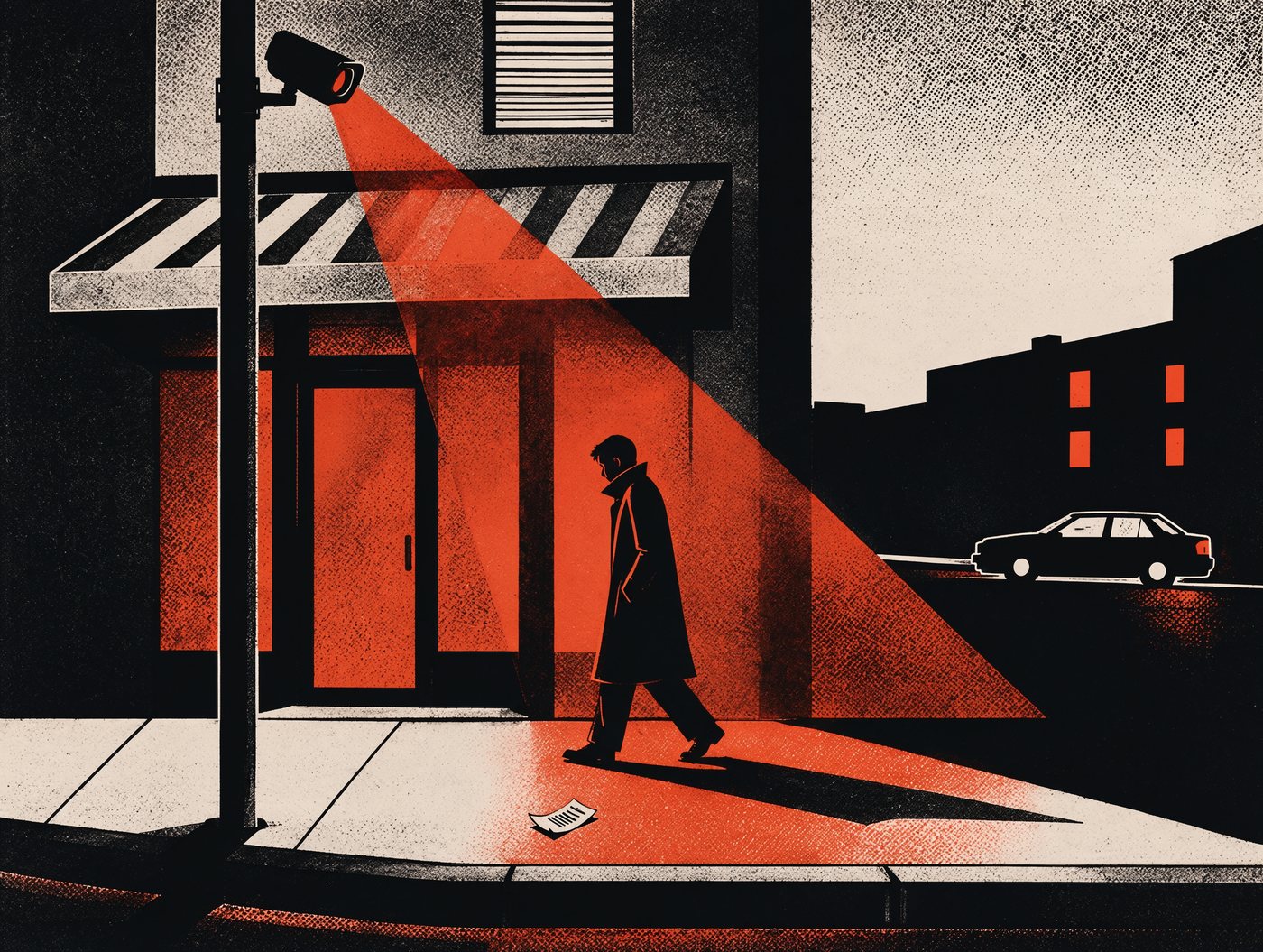
Plate 01
Nine objects, and what each tells a stranger who holds it for ten seconds.
Name, date of birth, address, photograph, ID number. Enough to pass a phone identity check, open credit, or impersonate you at a call centre.
Fix: carry it when needed, not always; keep the number apart from the card
Name, long number, expiry, and usually the three printed digits on the back. Those are the only things an online purchase needs.
Fix: cover the printed code; tap rather than hand it over
Time, place, card’s last four digits, and what you bought — and if a loyalty card was scanned, all of it has your name on it.
Fix: leave them at the till or take them home; never in a bin by the shop
A label with your name, address and the medication: a diagnosis, implied. Health conditions are the most traded sensitive category.
Fix: peel off the label before the bag leaves your hands
Not data on their own — but a photo of keys beside a photo of your street is an address plus access, and keys are copied from pictures more easily than people think.
Fix: never photograph keys with anything that identifies the building
The lock screen is a broadcast: sender names, message previews, appointment reminders, and the six digits of your two-step code.
Fix: hide notification previews on the lock screen
Account numbers, how much power you use, who lives at the address, whether you are behind on payments, whether you moved.
Fix: shred anything with an account number or a barcode
A timetable. When you shop, when you train, when you travel — and, joined to your name, a routine precise enough to know when the house is empty.
Fix: one card per shop at most; skip the card when paying cash
Employer, photo, access level, and often a chip that logs every door you opened and when — kept by someone who is not you.
Fix: take it off outside work; don’t photograph it for social posts
The pattern: one object rarely matters; the pile does. These things are dangerous in combination, not on their own — which is also why losing a bag is worse than losing any one item.
Plate 02
Screen privacy is geometry, not willpower. It is all in the angle.
Cheapest effective fix, in order: sit with your back to a wall, lower the brightness in dim rooms, and use a filter on laptops that travel. Positioning beats hardware, because it also removes the camera behind you.
Plate 03
A camera is not a witness. It is a filing cabinet with a deadline — and the deadline is the part that decides how much of your life is still on record.
Not when something happens — all the time. The interesting minute is a fraction of what is stored.
Retention ranges from a day to a few months depending on the operator. After that it is overwritten, unless someone saved it.
Police requests, insurers, a platform app, staff with the password, a WhatsApp group of neighbours.
Plate reading and face matching turn footage into a list of times and names — if the feature is switched on.
Two shifts worth knowing: cameras moved from public to private space — doorbells, dashcams, baby monitors, shop tills — and footage moved from a tape to a database. The first means you are filmed by neighbours; the second means the film can be searched.
Plate 04
A 2019 statement cannot leak from a server. It can sit in a drawer, move house with you three times, and be sold with the furniture.
Bank and card statements
Shred
Keep the current year for tax, then destroy. Better: switch to paperless and download the year’s file once. Never bin them intact.
Payslips and tax papers
Scan, then shred
Keep the figures, not the paper. Scan to a folder and shred the originals once the year is filed.
Utility and phone bills
Shred
They carry account numbers and consumption patterns. Useful to a fraudster for “confirming your identity”.
Medical letters
Keep while treated
Genuinely useful in an emergency. Store them together in one place, out of sight, and shred anything you no longer need.
Copies of your ID
Shred after use
Every copy is a spare identity. Do not keep one in a wallet, a car or a shared inbox — and never email one unencrypted.
Insurance policies
Keep while active
Shred once replaced. The old policy still tells a reader what you own and where you live.
A strip-cut shredder is fine for post; a cross-cut one is better for anything with an account number. And the bin outside is not private: the most useful document an identity thief can find is the one you threw away whole.
Plate 05
Most leaked conversations are overheard, not recorded. Distance decides how much survives.
Plate 06
Most requests for “a copy of your ID” are satisfied by a picture of one corner of it. You do not owe anyone a full scan by default.
“Could you confirm which fields you need?” is a normal question and rarely refused. Name and date of birth is not the same request as a passport scan.
Photograph only the relevant part. Cover everything else with a sheet of paper. Write “for landlord, 14 Nov” across the copy so it cannot be reused elsewhere.
A password-protected file, a one-time link, or an email you can delete. Never a public drive folder, and never a link that anyone could forward.
A document you sent once is a document someone else now holds. The question is not whether you trust them — it is what happens when their inbox is breached in three years.
Defence
Five open-source tools for the paper, the metadata and the camera at the end of the road.
01Paper in the drawer
Scan once, shred the paper, keep a searchable file at home.
Do Digitise the last two years, then shred.
02Hidden file metadata
Removes the camera, GPS and author data hidden in photos and PDFs.
Do Run it on anything you post.
03Redaction that fails
Strips surveillance metadata from documents before you send them.
Do Use it before any ID screenshot.
04Emailing documents
Sends a file directly, with no company in the middle.
Do Use for passports and contracts.
05Cameras on your street
A crowdsourced map of automatic plate readers.
Do Check what is aimed at your road.
06Cloud copies
Encrypts files before they reach any cloud drive.
Do Point it at your scan folder.
The one threat with no software fix is the person behind you: sit with your back to a wall.
The rest of this guide is on paper. 19 pages: the paper retention table, the camera map and the letters.
$9.99 · PDF
Get it by email